5 Must-Have Tools for Running a Stress-Free Solo Health Practice
Feeling buried by admin tasks, endless paperwork and client messages that ping in while you’re massaging someone’s shoulder blade? You’re not alone.
The good news: a handful of practical tools can take a huge load off your own shoulders. If you want to spend more time helping clients and less time wrestling with your calendar or chasing payments, keep reading for my must-have tools for a smoother, saner clinic life.
1. Online Booking and Scheduling Tools
Booking and rescheduling can eat up hours. If you’re still relying on pen and paper, a regular calendar, or – worse yet – back-and-forth phone calls, you’re almost guaranteed to end up missing calls or double-booking out of sheer exhaustion. An online booking and scheduling app isn’t fancy fluff; it’s a life saver for your evenings and your sanity.
Why Booking Apps Save You Time
Moving bookings online allows clients to:
Letting your clients manage their appointments means less phone time for you. You won’t have to rush from treatment to the phone, only to find a half-dozen messages asking for changes. If you’re planning time off, these apps make it easy to mark out unavailable slots, so you avoid accidental bookings when you should be on holiday.
Must-Have Features in a Scheduling Tool
Look for these features when choosing an app:
Clients benefit by booking on their terms, which builds loyalty and reduces no-shows. You benefit by claiming back your time.
Practitioner and Client Experience
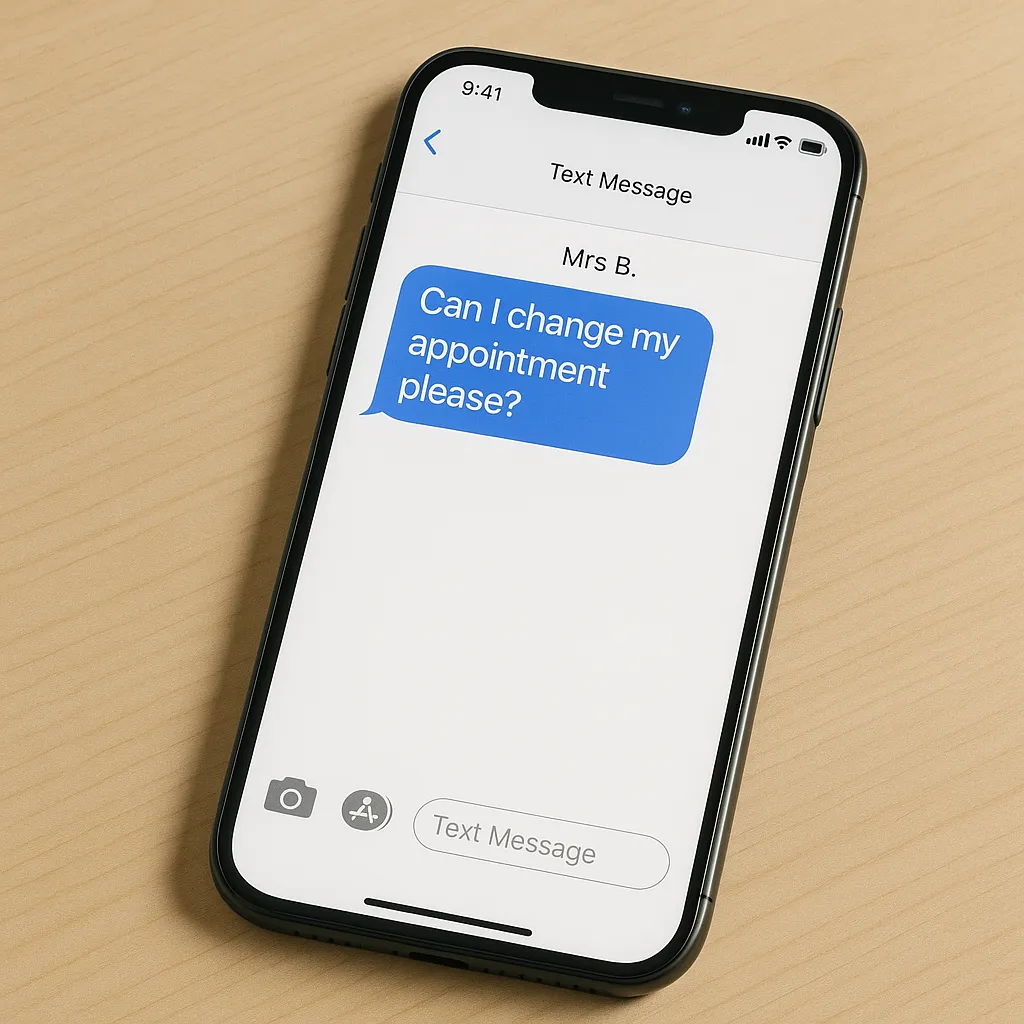
Clients are less likely to interrupt your day with “Can I swap my slot?” calls. If someone needs to move their appointment, they can do it instantly – no need to catch you between clients. For you, that’s one less thing to juggle in your brain.
If you’re just getting started, try something like Fresha (it has a free plan but watch out for extras that can add up quickly). If you want more features as you grow, check out Jane App, which can wrap up bookings, client notes, and billing in one.
Don’t forget to set the system to send reminders (you can tweak these to your liking) – this can reduce last-minute cancellations and missed appointments. And fewer no-shows means less revenue lost, which can be the difference between a calm day and a biscuit-munching stress spiral.
When setting up my own scheduling system I gave my clients the choice of email or text reminders. If they didn’t want either reminder system then I gently explained that the cancellation policy would apply if they missed an appointment.
2. Practice Management Systems for Notes and Records
Keeping client notes isn’t just a good habit; in many cases, it’s required by law or your professional body. A lightweight practice management app does more than just store scraps of notes. It keeps everything organized and keeps you compliant – without a mountain of paperwork.
Why Good Notes Matter
Professional health practitioners must track treatments, outcomes, and goals, usually in detail. Whether due to legal requirements (think HIPAA in the US or data protection in the UK) or just to keep your own head straight, solid record-keeping is not optional.
Plus, you want these records to be secure. Handwritten notes stuffed in a folder won’t cut it if you’re ever audited or if a client asks for records.
Key Features to Expect

Regulatory Compliance
Storing health data is serious business. In the UK, health records are governed by strict data protection laws. In the US, you’re almost certainly working under HIPAA regulations. You need to make sure your system meets or exceeds those rules.
Jane App, for example, is HIPAA compliant and takes its privacy duties seriously.
What this means in practice:
Switching to digital notes with strong security resulted in a lot less worry for me about my lockable filing cabinet when away from the clinic.
3. Streamlining Payments and Billing
Money talk can make even the most confident practitioner a bit uncomfortable. There’s nothing fun about chasing unpaid bills or tiptoeing around the “would you like to pay?” question with a nervous smile. The right systems make this easy for both sides.
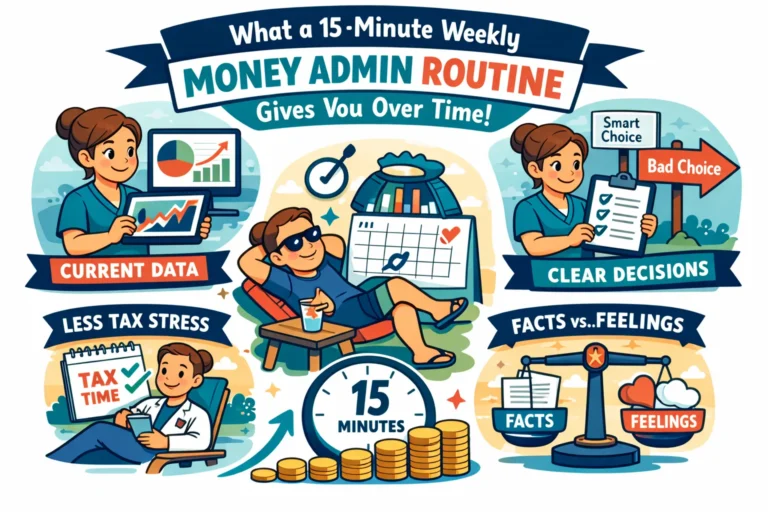
Making payment and billing records more streamlined also helps you to find all the critical information when tax time rolls around.
Common Payment Challenges
Some clients love digital payments, others (sometimes elderly ones) might not trust online processing. You need a setup that handles both, with as little hassle as possible. Stressing about collecting fees is a quick way to burn out.
Payment Options Worth Considering
Here’s a quick look at different payment options, their advantages and disadvantages:
|
Method |
Pros |
Cons |
|---|---|---|
|
Payment at time of booking |
No need to ask at session, reduces DNAs (“did not attend”) |
Not all clients are comfortable |
|
Card tap with SumUp or Stripe |
Fast, easy, trusted by many clients |
Some set up and learning curve required |
|
Cash payments |
Familiar for many clients |
Extra handling, risk of errors |
Clients want reliability and trust in your system. A smooth process shows professionalism and keeps things friendly.
Tips for smoother billing:
4. Automations to Reduce Admin Load
Why spend hours on things a computer can do in seconds? Automations aren’t just for big practices – they’re for anyone who wants their evenings back. With just a little setup, you’ll save hours every week.
Types of Admin Tasks to Automate
Automated Reminders
Most booking apps let you set up reminders so clients get a nudge before their session. This can slash your “forgotten appointment” rate. Fewer cancellations, more reliable income, less chasing. You write the reminder words once and the system drops in the client name, appointment date and time for you each time an appointment is booked.
Templates for Forms and Aftercare
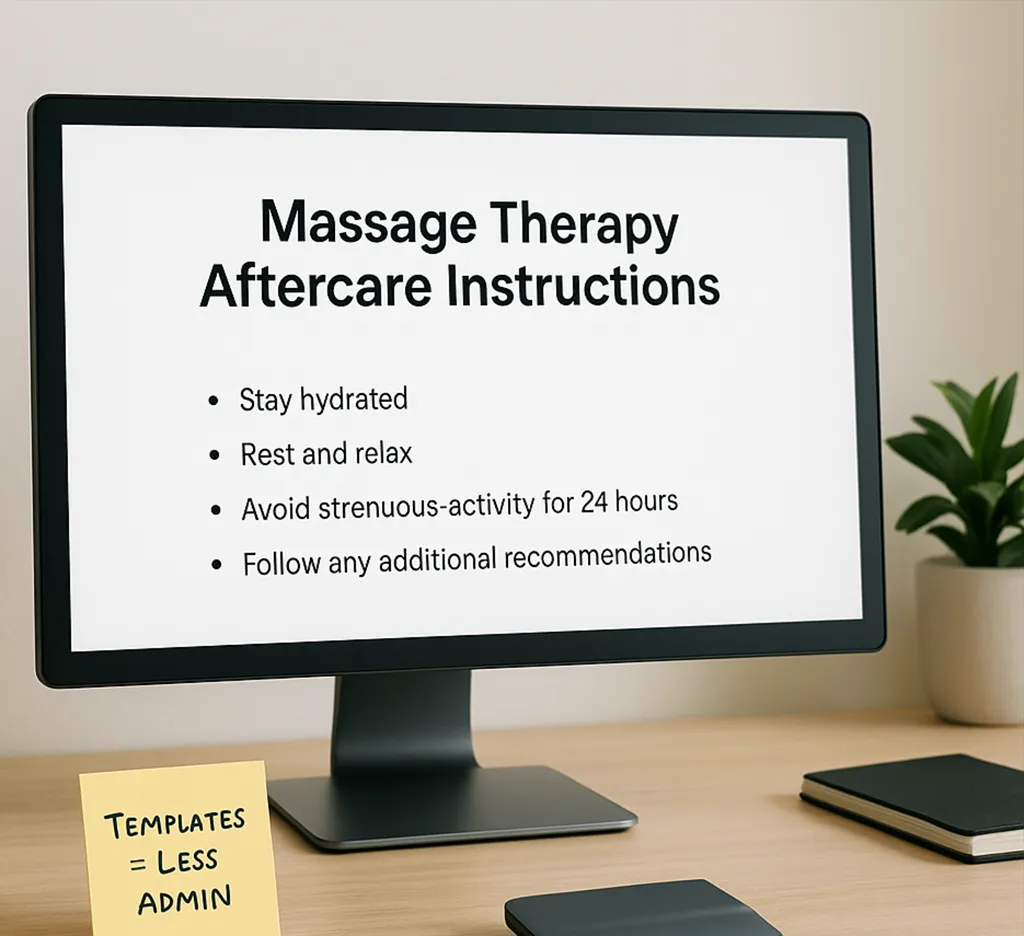
Set up pre-made patient intake forms and aftercare instructions. Hand these out as print-outs or email them directly – no need to keep rewriting the same details. You’ll look organized and clients will leave with all the info needed to prepare or recover.
Automated Emails
Not everyone wants a call. Automate the simple stuff: responses to standard customer enquiries, news of your latest offer or treatment type that you’re adding and even nudges for a review. This builds trust and shows that you value their time.
Benefits of Using Templates
A few examples from my own clinic:
5. Physical Tools That Support Your Practice
Believe it or not, not all helpful upgrades are software. Some are as simple as a better chair or organizing your shelves. Comfort and efficiency in your workspace matter a lot.
Must-Have Physical Tools
Choose what you need to support your practice. Here are just a few items that I found helpful in my own clinic.
Ergonomic Chair
Support your back during intake, paperwork, and those rare moments you get to breathe. Worth every penny if you sit with clients often.
Reliable Treatment Table
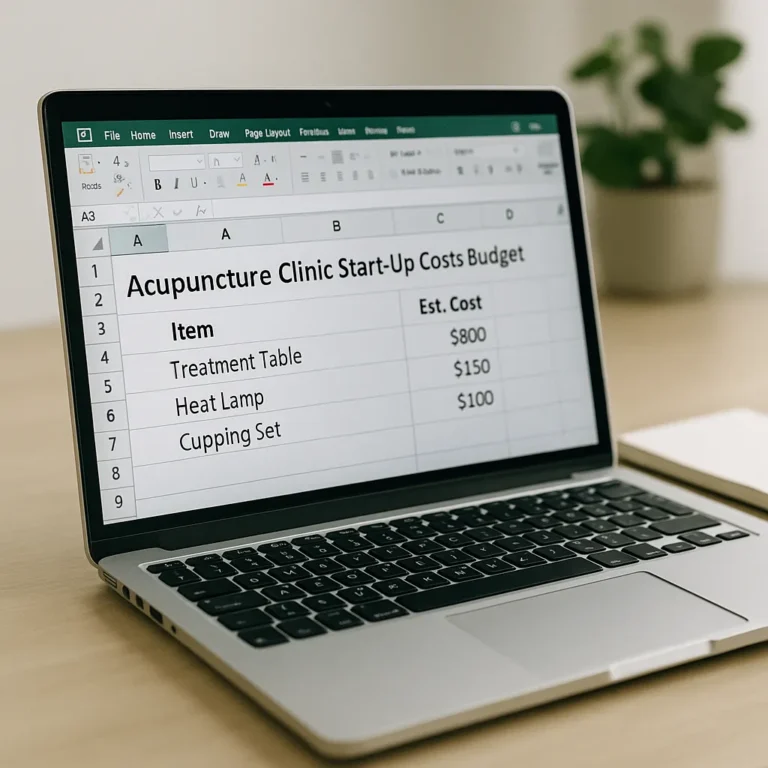
When you’re starting out, a portable table works – but it’s not ideal forever. Upgrading to a hydraulic table makes for safer, easier treatments. Clients can get on and off with less risk (and you can avoid awkward reaching and use your bodyweight to support you).
Heat Lamp
If you work with muscles or want to provide a little extra warmth, a heat lamp is great for comfort and energy-saving. Warm clients are relaxed clients.
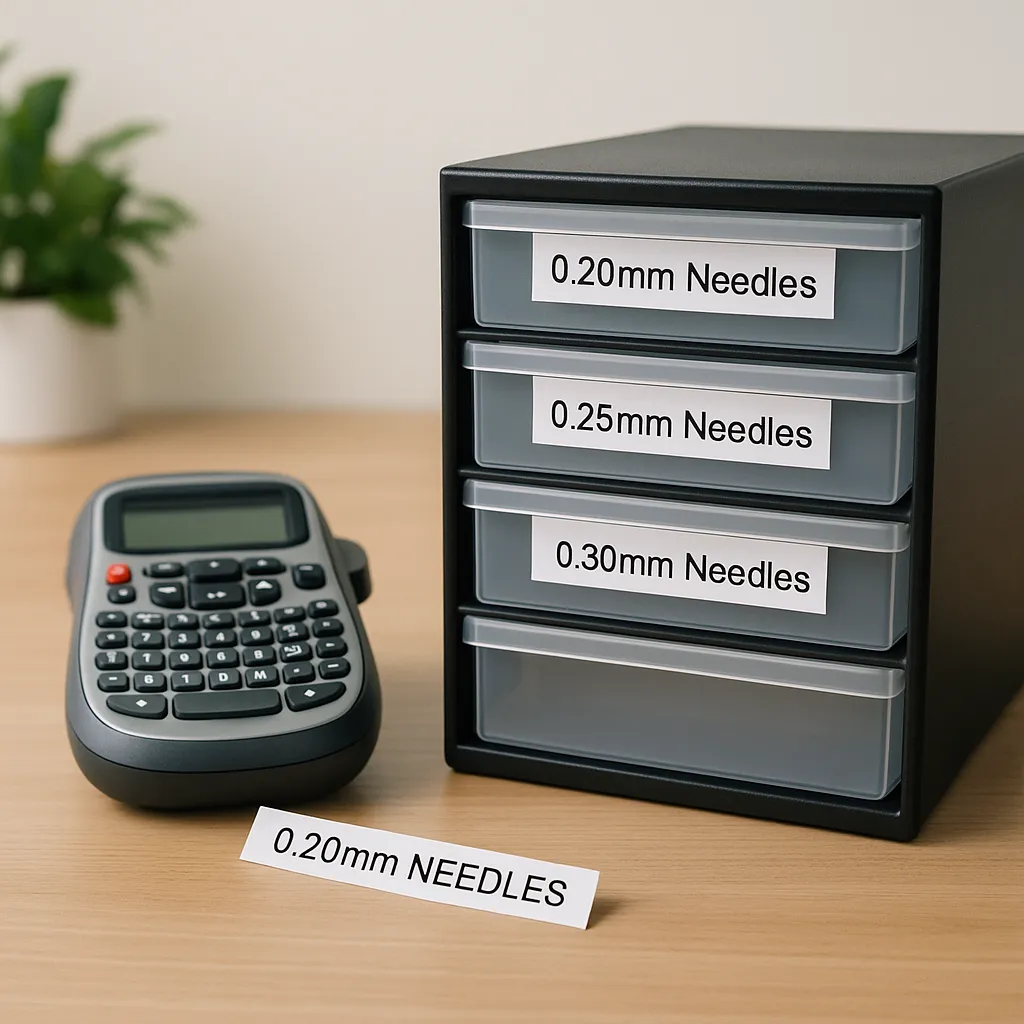
Label Maker and Organized Storage
Keep your tools, oils, or needles neatly stored and labeled. If you can find it quick, you don’t risk running out of the essentials (or knocking over ten bottles searching for one).
Sometimes it’s these straightforward upgrades that save the most stress in the long run. Your body will thank you, trust me.
Tips for Adopting Tools Gradually for Maximum Impact
Making changes all at once can leave you more overwhelmed than before. There’s no prize for using every suggestion all at once. The real trick is to find what works, step by step.
Step-by-step approach to building your toolkit:
It’s fine to go slowly. Even two or three simple improvements can free up hours and soften the admin chaos.
So, which tool will you try first? If you implement even a couple of these ideas, you’ll have more time for what matters most: your clients, your wellbeing, and – dare I say it – a moment to actually put your feet up after a busy week.
Please Share
Have you got a question that I haven’t answered here? Drop it in the comments. This space is for sharing, not just reading. Sometimes the best advice comes from those who’ve been in the same shoes.
Let’s build a supportive community where no one has to figure it all out alone. And if this helped you today, consider passing it on to a colleague who might need it – a little support goes a long way.
Please pin one of these images to your main business tips board!