Your Local SEO Toolkit for Solo Healthcare Clinics (Starter Set)
You can be amazing in the treatment room and still be hard to find online. If most of your clients come from a short journey away, local search is often the thing that drives visibility and helps new people discover you in the first place.
This post walks you through a practical, minimum-fuss local SEO toolkit for solo clinics. It’s built for real life, when you’re wearing every hat in the business and you just want to know what matters most. You’ll focus on a few free tools key to search engine optimization (SEO), that help you get found, spot issues early, and make small changes that actually lead to bookings (not just “traffic”).
Why local search matters when you run a clinic
If your clients usually live in nearby geographic areas, local search can matter more than most marketing channels. Word of mouth may still be your number one, but local search supports it. When someone hears your name from a friend, they often still Google you before they book.
Local SEO, in plain English, means improving your local search rankings so you show up when someone searches things like “acupuncturist near me” or “sports massage Scarborough”. They’re not browsing for fun. They’re looking for help, and they want it close enough to get to after work, between school runs, or on a day off.
The good news is you don’t need a fancy setup to compete locally. You need a local SEO strategy with a few basics in place so Google can connect the dots between your clinic, your website, and what you actually offer.
A starter toolkit works best when it does two things:
Think of local search like signage. If your sign is missing, pointing the wrong way, or hidden behind a tree, it doesn’t matter how great your clinic is inside. This toolkit is about getting your “sign” back where people can see it.
The main places people find you in local search
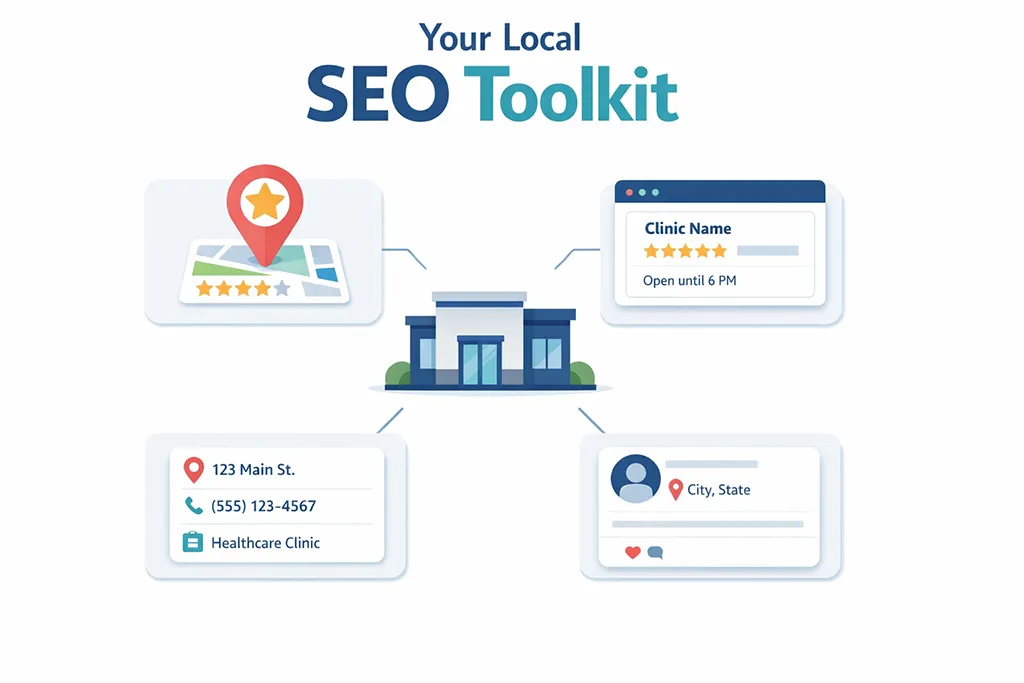
Local search visibility usually comes down to a few “surfaces” that Google and your clients use to confirm you’re real, nearby, and relevant.
|
Surface |
Why it matters |
|---|---|
|
Google Business Profile |
The biggest local listing, it feeds the pack and map results and often shows first. |
|
Your website pages |
Google uses your service, location, and contact pages to confirm what you do and where you are. |
|
Other review sites and directories |
These business listings can help a bit, but they’re usually secondary to Google. |
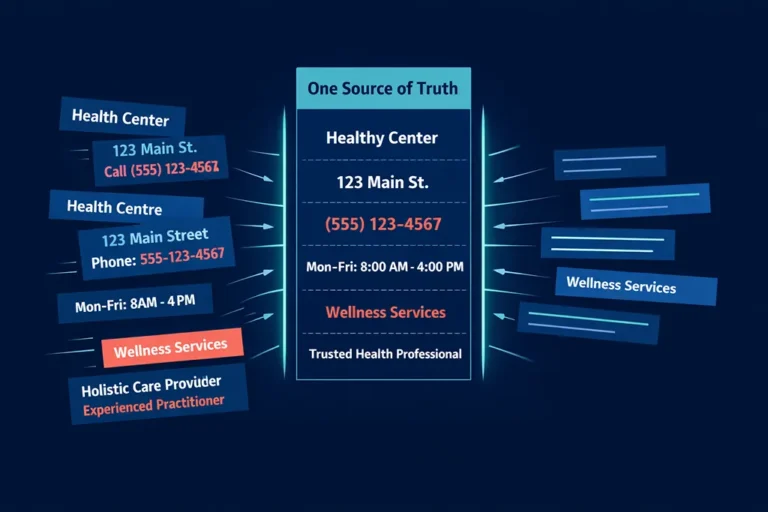
When these surfaces match up (with NAP consistency, as in the same name, address details and phone number), it’s easier for Google to trust what it’s seeing. When they don’t match, you can still show up, but you’re giving Google more reasons to hesitate.
If you only do one thing from this whole post, make it this: get your Google Business Profile in good shape, and make sure your website backs it up.
Treat Google Business Profile like your front window
Google Business Profile is often the first impression. Before anyone reads your About page or checks your prices, they’ll see your listing on Google Maps, your reviews, and a quick snapshot of who you are.
It’s free, it’s widely used, and it directly affects whether you show up in the local map results.
Set up and verify the basics (don’t skip this part)
Verification can feel like a boring admin task, but it’s the foundation for maintaining listing health. Once your profile is verified, you can control the details people see.
Start by making sure your key information is accurate and matches your website:
A profile that’s half-filled can still appear, but it’s less convincing to a new client. You want someone to land on it and think, “Yep, that’s exactly what I’m looking for.”
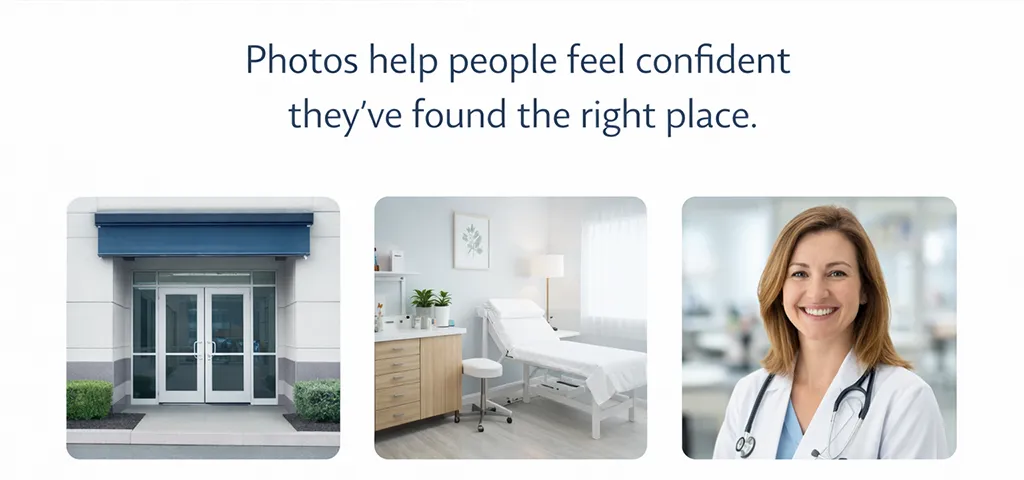
Use photos that remove doubt, not “marketing” photos
Photos help people feel confident they’ve found the right place. They also help them picture what it’s like to walk through your door, which lowers the “first visit nerves” factor.
Add a few simple, real photos:
You don’t need a professional shoot. Natural light and a tidy room go a long way. The goal is trust, not perfection.
Posts and updates are optional, basics come first
You can add updates to your Google Business Profile from time to time, and they can help. Just don’t treat posts as the main job.
A complete, accurate profile beats a profile with weekly posts but missing services, wrong hours, or no photos.
Reputation management and reviews: keep it simple and consistent
Google reviews live inside your Google Business Profile, so they’re the first place to focus. Online reviews play a key role in building trust with potential clients.
Two practical steps help here, along with regular review monitoring:
First, get your review link from your profile setup so you can send it to clients. Second, ask at the right time, with a simple prompt. People are more likely to leave a review when you make it easy and specific. For review monitoring, check your profile weekly to respond to feedback and address any issues promptly.
Other directories and review sites can support your presence through local citations, but they’re not usually where your energy should go first. If you do add them later, treat them as supporting actors, not the main character.
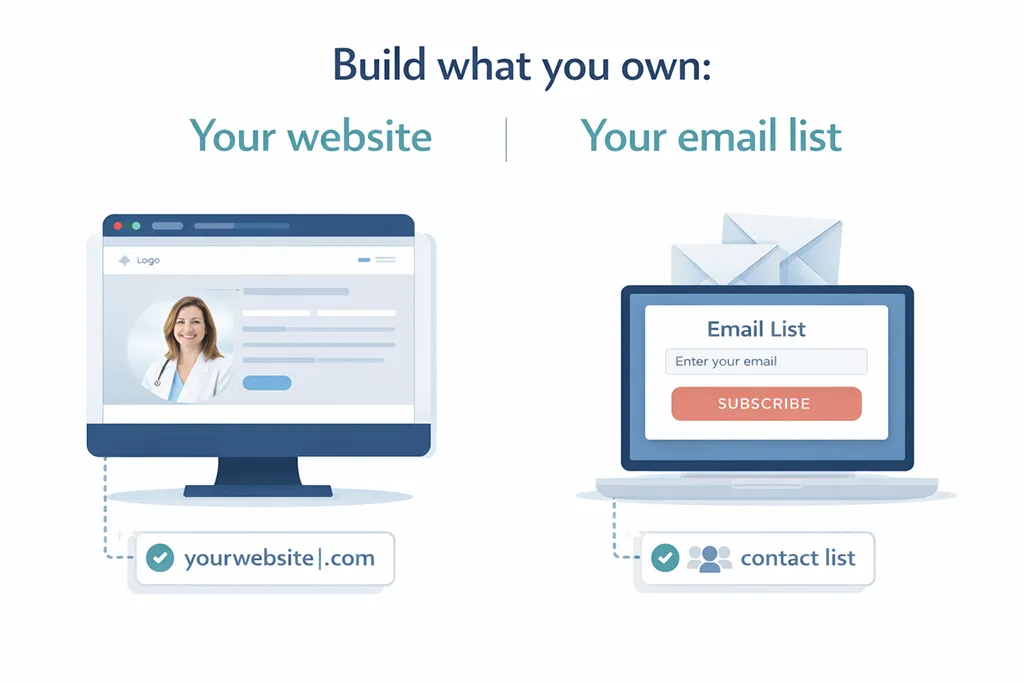
Build what you own: your website and your email list
If you only use social platforms to connect with clients, you’re building on rented space. Those platforms can change rules, lock accounts, or simply stop showing your posts to the people who used to see them.
Your website and email list are different because you own them. You control what you say, how people contact you, and how bookings happen.
Your website doesn’t have to be fancy. A one-page site can be fine. What matters is that it does a few jobs well with solid on-page SEO:
It loads properly, it reads well on a phone, and it gives Google clear pages to index so your clinic shows up in relevant searches.
Your website is also where Google checks you’re a real practice. A clear contact page, service information, and booking steps make it easier for both Google and clients to understand what happens next, (especially for practices with multiple locations).
An email list belongs in this “owned” category too. Even a small list helps you stay in touch with past clients and people who aren’t ready to book yet. It’s quiet, reliable, and not dependent on an algorithm.
I emailed my list on a regular basis to keep them updated with changes to my hours, let them know if I had busy periods coming up (making booking harder) and I included occasional maintenance tips such as healthy eating suggestions.
Free tools that help you spot problems and track progress
Once your Google Business Profile and website basics are in place, a few free tools help you understand what’s working and what needs attention. You don’t need a complex setup. You just need enough information to make sensible decisions.
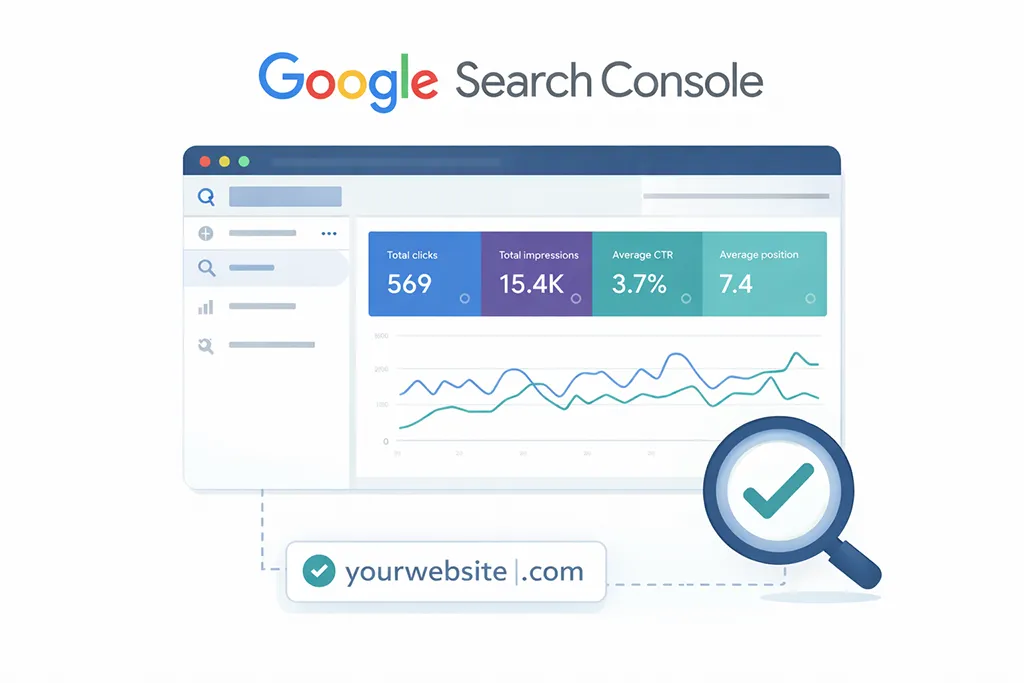
Google Search Console: see what Google can (and can’t) read
Google Search Console tells you how your site looks from Google’s side.
It helps you answer questions like:
Is Google indexing your pages? Can Google crawl your site without getting stuck? What searches are bringing people to you for rank tracking?
This is where SEO audits (simple checks, nothing too complex) help you catch issues that block visibility. If Google can’t crawl a page, it will struggle to show that page in search results.
It also gives you useful, real-world language. You can see the actual queries people typed before they landed on your site. That’s gold, because it’s not guesswork. It’s what people are already doing.
A few ways to use it without disappearing into data:
Search Console won’t tell you everything. It will tell you enough to keep your site findable and aligned with how people search locally.
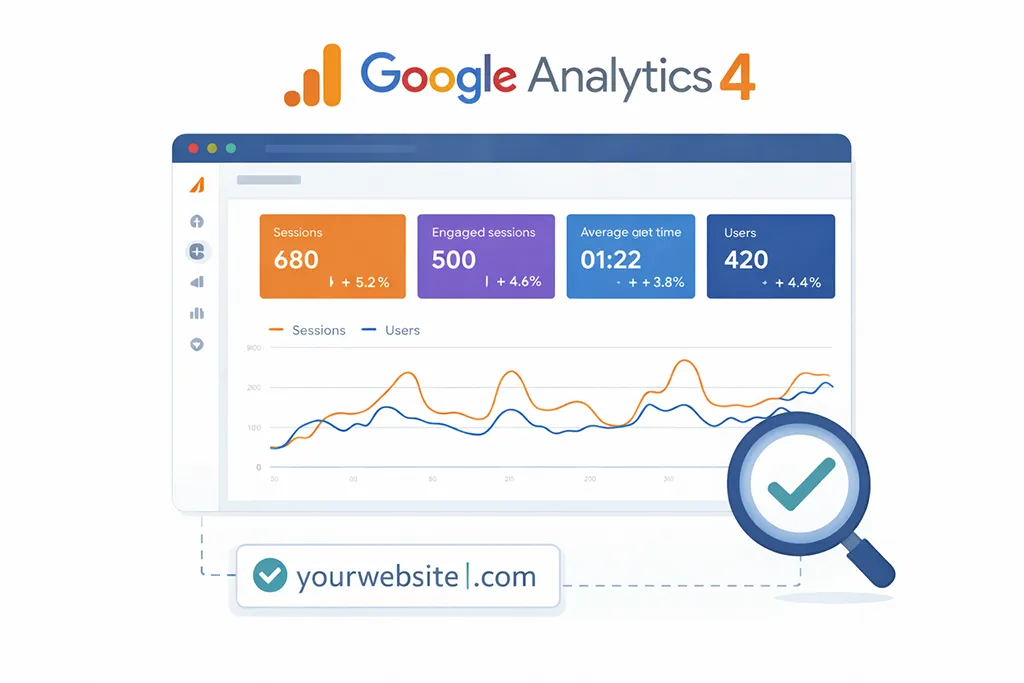
Google Analytics 4: track what people do after they land
Google Analytics 4 shows what your traffic is doing and whether it turns into actions, providing data-driven insights to help with sensible decision-making.
For a clinic website, the actions that matter tend to be simple:
Phone clicks, contact form submits, and booking link clicks.
Set up tracking for the key actions you care about, even if it’s just one or two. Then pay attention to:
Traffic from organic search, your top landing pages (your service and location pages should appear here), and whether people move from reading to contacting you.
It’s easy to get distracted by numbers. Keep your focus on behaviour. Are people finding you, and are they taking the next step?
PageSpeed Insights and a simple phone test: remove friction
If your site is slow, people leave. They don’t usually hang around out of loyalty to your brand.
PageSpeed Insights gives you mobile and desktop speed scores and points out what’s slowing your pages down.
Pair that with a quick real-world check:
Open your key pages on your phone, and if possible on a friend’s phone too (a fresh device gives you a more honest view). Look for small issues that stop someone booking:
Text that’s too small, buttons that are fiddly, and booking links that are hard to find.
A simple three-step habit works well:
- Run PageSpeed Insights on your main pages.
- Check those pages on a phone.
- Fix the biggest problems first, starting with anything that hides the booking step.
You’re not trying to win a speed contest. You’re trying to make the site easy to use when someone’s standing in a car park, searching on mobile, and ready to book.
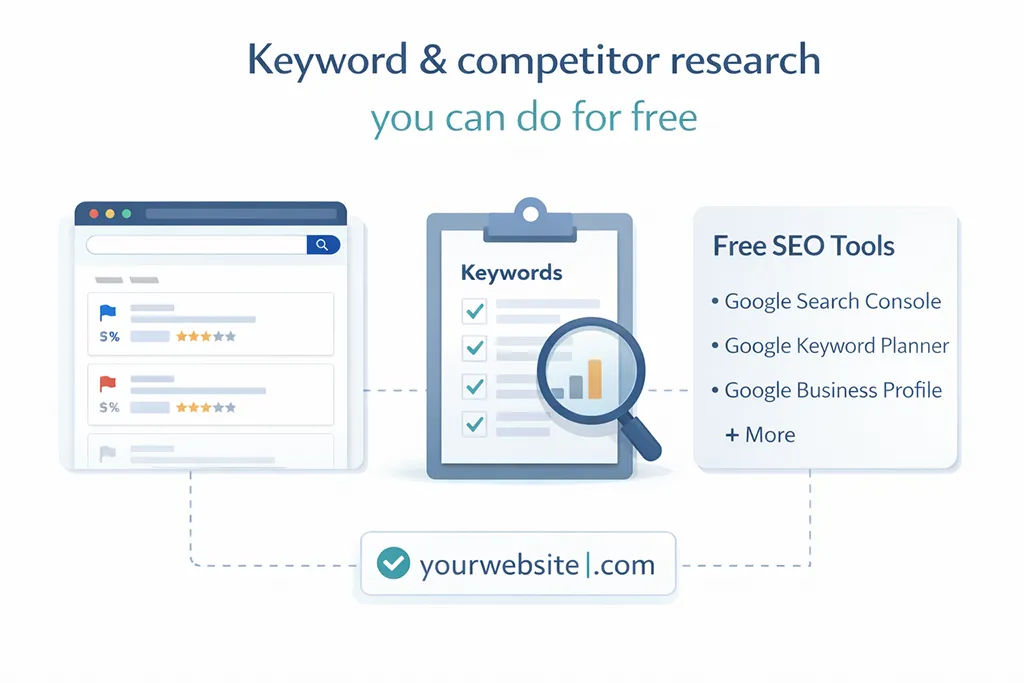
Keyword and competitor research you can do for free (and keep it grounded)
The words people use when searching aren’t always the words you use as a practitioner. They can vary by age group, local culture, and what’s commonly said in your area.
Someone in their twenties might search differently than someone over fifty. Even within the same town, phrasing can shift.
You can do a lot of useful keyword research using Google itself:
Start with autocomplete. Type something like “acupuncturist [your town]” and see what Google suggests. Those suggestions come from real searches.
Then check the “People also ask” section for question ideas. These often turn into strong FAQ content on your website, and they also tell you what people worry about before they book.
Scroll to the bottom for related searches. You’ll usually find alternative wording that helps you write headings and service descriptions in a way that matches what people expect.
It also helps to look at the map results for your service search and notice who appears alongside you in the business listings. You’re not copying them, you’re getting context.
Pay attention to:
The categories they use, the services they list, how many reviews they have, and what people mention in those reviews. Review language can be a great clue for customer sentiment around what clients value, and it can also help you shape the prompts you give when asking for a review.
One more source is right under your nose: your own intake forms.
Look at the words clients use in “reason for visit”, “goals for treatment”, or “how did you hear about us?” If clients keep writing “tight jaw from stress”, you can reflect that on your site and still include clinical terms too.
For example, you might mention both jaw tension and TMJ on a relevant page. That keeps things clear for clients and still accurate.
Your local SEO starter tech stack and next steps for this week
This starter set is intentionally simple. Pick one tool per job, get it running, then move on.
|
Tool |
Job |
|---|---|
|
Google Business Profile |
Show up in local results and maps, manage local citations, collect online reviews. |
|
Google Search Console |
Check indexing, queries, and crawl issues. |
|
Google Analytics 4 |
Track key actions like calls, forms, booking clicks, and online reviews. |
|
PageSpeed Insights |
Find speed problems that push people away. |
|
Free Google search features |
Autocomplete, People Also Ask, related searches, and map results for research. |
You can add paid local SEO software later if you want to, such as tools offering rank tracking and white-label reporting. For most solo clinics, the free starter kit covers the basics well enough.
Personally, I could never justify paid tools as a worthwhile investment.
Your next step is straightforward: set up or tidy your Google Business Profile, then check your website with Search Console and a mobile test. After that, tackle one small insight (a query, a slow page, a missing booking link) to make one clear improvement.
If you do that this week, you’ll have a local SEO toolkit that actually supports bookings through effective search engine optimization, not just busywork.
Please Share
Have you got a question that I haven’t answered here? Drop it in the comments. This space is for sharing, not just reading. Sometimes the best advice comes from those who’ve been in the same shoes.
Let’s build a supportive community where no one has to figure it all out alone. And if this helped you today, consider passing it on to a colleague who might need it – a little support goes a long way.
Please pin one of these images to your main business tips board